Data Explorer
The Arkiv Data Explorer is a browser-based tool for querying and inspecting entities on Arkiv testnets. Use it for the following:
- To make sure that your app wrote the data you expected.
- To try a query before you add it to your code.
- To explore the data on a testnet.
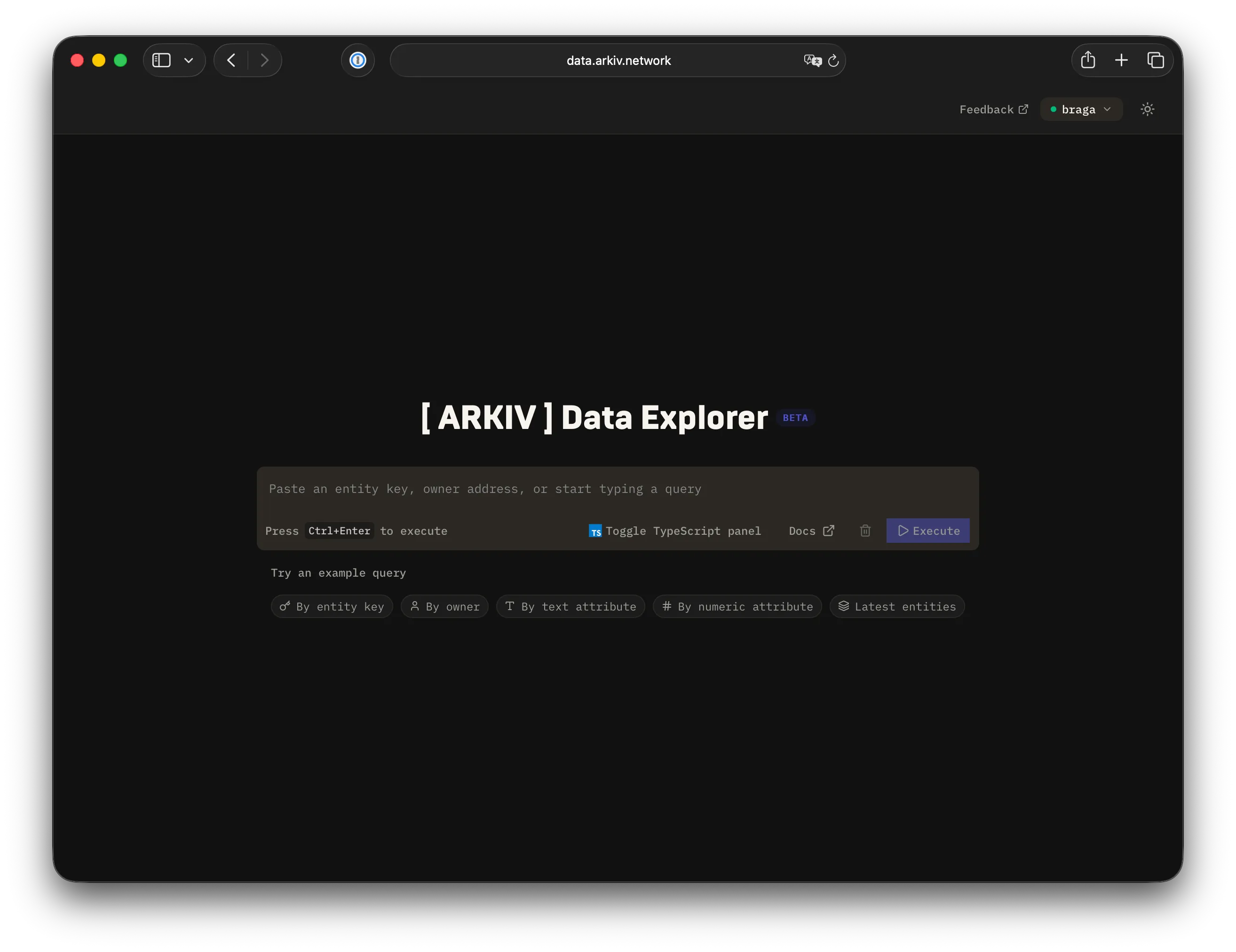
Query editor
Section titled “Query editor”The query editor at the top of the Explorer accepts Arkiv’s full query syntax: operators, typed value literals, and range filters.
For the full reference, see Query syntax.
Searching for entities or owners
Section titled “Searching for entities or owners”Paste a raw value into the editor. The Explorer normalizes the value automatically:
- A 32-byte hex string becomes
$key = "0x…". - A 20-byte address becomes
$owner = "0x…".
You do not need to add quotes or choose an operator.
Sharing results
Section titled “Sharing results”The Explorer always encodes the current query and chain in the URL. Copy the URL to share an exact query.
A person who opens the link sees the same query. The query runs automatically.
If you want a deep link to a specific entity or owner from your own app, you can link directly:
https://data.arkiv.network/entity/0x123…opens the Explorer with that entity key.https://data.arkiv.network/owner/0x123…opens the Explorer filtered by that owner address.